
Creation and Configuration
Templates can be created, edited, and removed in theText components section. The already existing structure arises from the structure of the skill tags.
Basic Configuration
Basic Configuration
Below the existing structure, a new template can be created via the “New Concern” button: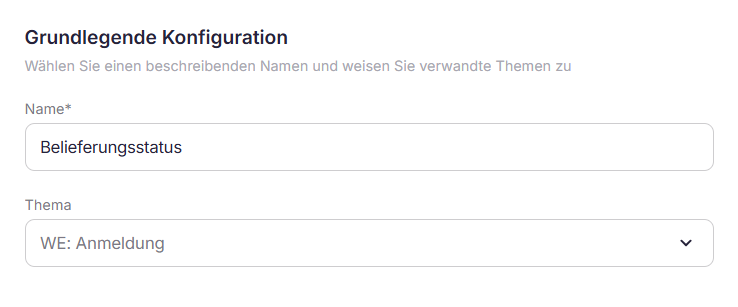
- Name: The designation of the template should be intuitive and content-related to facilitate the search in the catalog
- Topic: The template will be assigned to a super- or sub-category of the structure
Text Component - Fixed
Text Component - Fixed
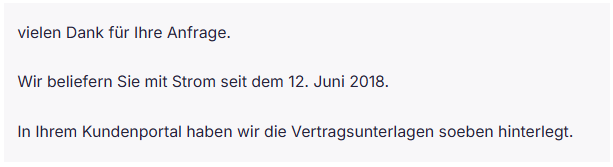
The content of the template is stored and saved under the “Text” tab. For fixed text, the preview corresponds to the content of the template.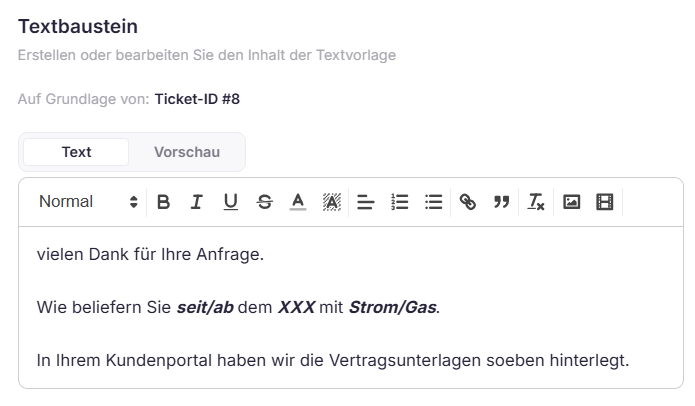
Text Component - Dynamic
Text Component - Dynamic
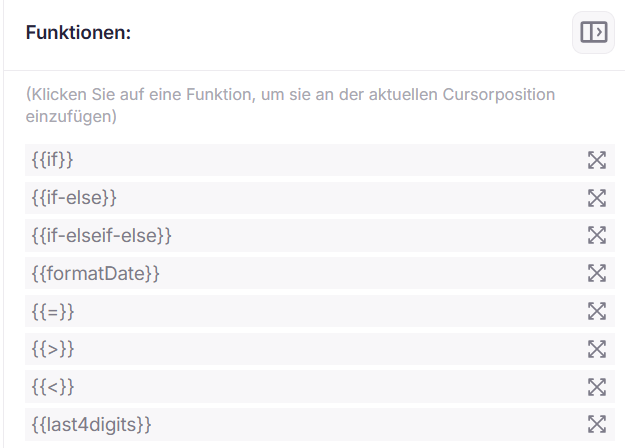
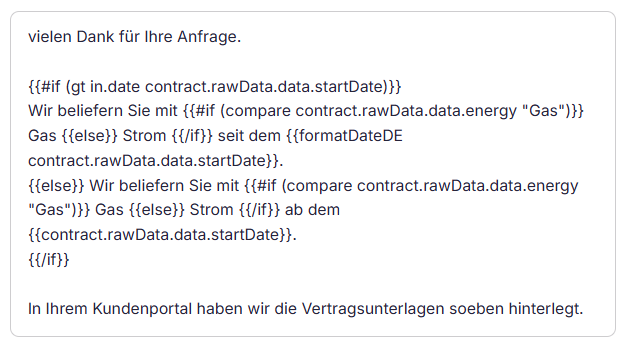
Contents can also be designed dynamically in the text editor. Thus, using reference tickets, variables can be taken over and, if necessary, linked with functions.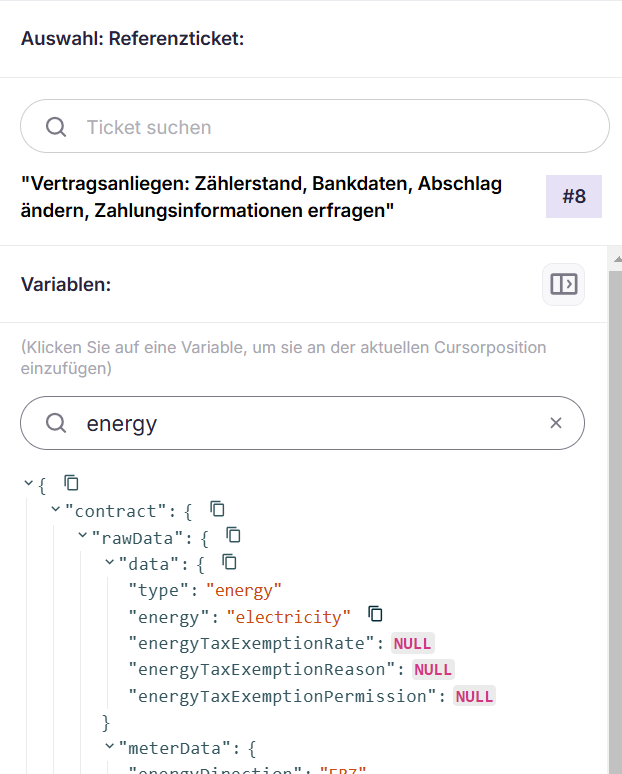
Text
Preview
Catalog
Catalog
Access to templates occurs in the central part of ticket processing by clicking on “Catalog”. The existing structure is displayed, from which the desired template can be navigated. Templates can also be accessed directly using the search field.